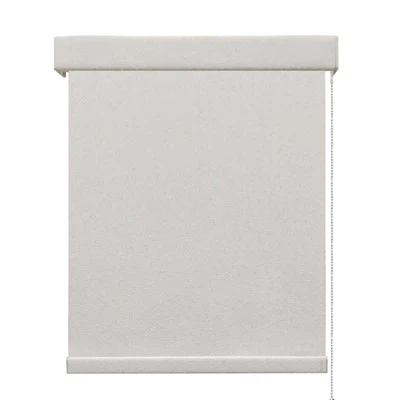
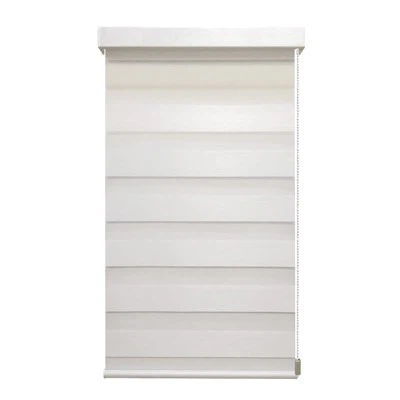
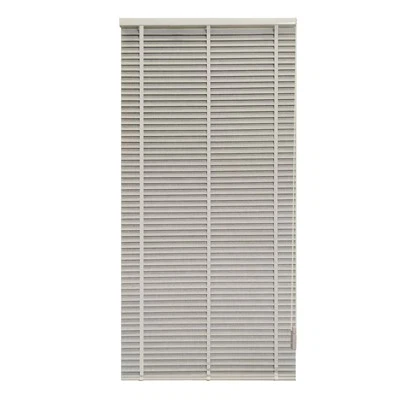
Hey there! As a supplier of Mortorized Softness Blinds, I often get asked about how to calibrate the motorized function of these blinds. It's an important process that ensures your blinds work smoothly and efficiently. In this blog post, I'll walk you through the steps to calibrate your Mortorized Softness Blind.
Why Calibration is Important
Before we dive into the calibration process, let's talk about why it's so important. When you first install your Mortorized Softness Blind, the motor might not be perfectly aligned with the blind's movement. This can lead to issues like the blind not opening or closing fully, or it might move unevenly. Calibration helps to adjust the motor settings so that the blind moves precisely as it should. It also helps to extend the lifespan of your blind by reducing wear and tear on the motor and other components.
Tools You'll Need
To calibrate your Mortorized Softness Blind, you'll need a few basic tools:
- A ladder (if your blind is installed high up)
- A small Phillips head screwdriver
- The remote control that came with your blind
Step 1: Check the Power Supply
The first thing you need to do is make sure your blind is getting power. Check that the power cord is plugged in securely and that the outlet is working. If your blind is battery-powered, make sure the batteries are fresh and installed correctly.
Step 2: Locate the Calibration Buttons
Most Mortorized Softness Blinds come with a set of calibration buttons on the motor unit. These buttons are usually small and might be labeled with symbols like "UP," "DOWN," and "PROGRAM." Use your small Phillips head screwdriver to remove the cover of the motor unit if necessary to access the buttons.
Step 3: Set the Upper Limit
The upper limit is the point where the blind stops when it's fully open. To set the upper limit, use the remote control to open the blind all the way. Then, press and hold the "UP" calibration button on the motor unit until the blind moves slightly and then stops. This indicates that the upper limit has been set.
Step 4: Set the Lower Limit
The lower limit is the point where the blind stops when it's fully closed. Use the remote control to close the blind all the way. Then, press and hold the "DOWN" calibration button on the motor unit until the blind moves slightly and then stops. This indicates that the lower limit has been set.
Step 5: Test the Calibration
Once you've set the upper and lower limits, it's time to test the calibration. Use the remote control to open and close the blind a few times. Make sure the blind stops precisely at the upper and lower limits and that it moves smoothly without any jerks or unevenness.
Step 6: Fine-Tune the Calibration (if necessary)
If you notice that the blind isn't stopping exactly at the upper or lower limits, you can fine-tune the calibration. To do this, press and hold the appropriate calibration button (either "UP" or "DOWN") for a short period of time. The blind will move slightly, and you can release the button when it reaches the desired position.
Different Types of Mortorized Softness Blinds
There are different types of Mortorized Softness Blinds available in the market, and the calibration process might vary slightly depending on the type. For example, the Chain Softness Blind and the Pull-Chain Motorized Softness Blind have their own unique features and calibration requirements.
If you have a Chain Softness Blind, the calibration might involve adjusting the tension of the chain as well as the motor settings. Make sure to refer to the user manual that came with your blind for specific instructions.

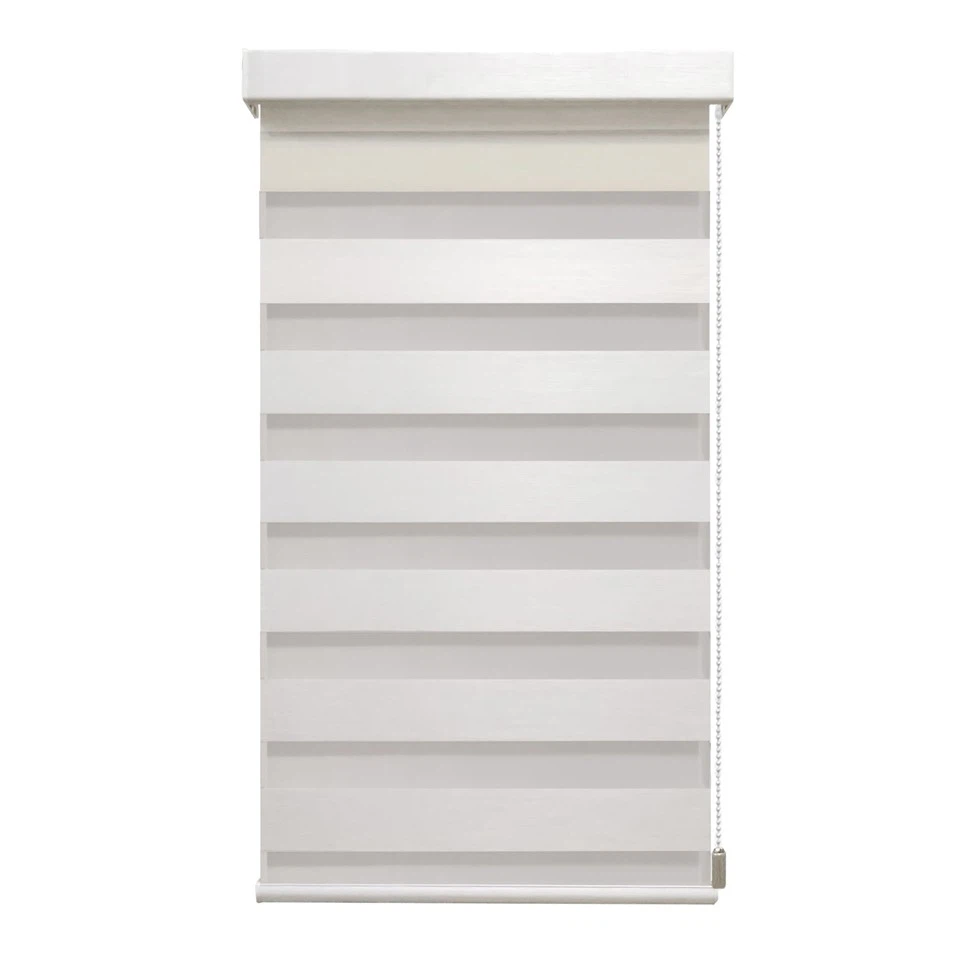
The Pull-Chain Motorized Softness Blind combines the convenience of a motorized system with the option to use a pull chain. When calibrating this type of blind, you need to ensure that both the motorized function and the pull chain operation work in harmony.
Troubleshooting Tips
If you encounter any issues during the calibration process, here are some troubleshooting tips:
- Blind not moving at all: Check the power supply and make sure the batteries are fresh. If the problem persists, there might be an issue with the motor or the wiring. Contact a professional for assistance.
- Blind moving unevenly: This could be due to a misaligned motor or a problem with the tracks. Check that the tracks are clean and free of debris. You might also need to adjust the motor settings further.
- Remote control not working: Make sure the batteries in the remote control are fresh. If the problem persists, try resetting the remote control by following the instructions in the user manual.
Conclusion
Calibrating the motorized function of your Mortorized Softness Blind is a relatively simple process that can make a big difference in the performance of your blind. By following the steps outlined in this blog post, you can ensure that your blind moves smoothly and stops precisely at the upper and lower limits.
If you're in the market for a Mortorized Softness Blind or need any assistance with calibration or troubleshooting, feel free to reach out to us. We're here to help you find the perfect blind for your needs and ensure that it works flawlessly.
References
- Manufacturer's user manual for Mortorized Softness Blinds
- Industry best practices for motorized blind calibration